One real layer
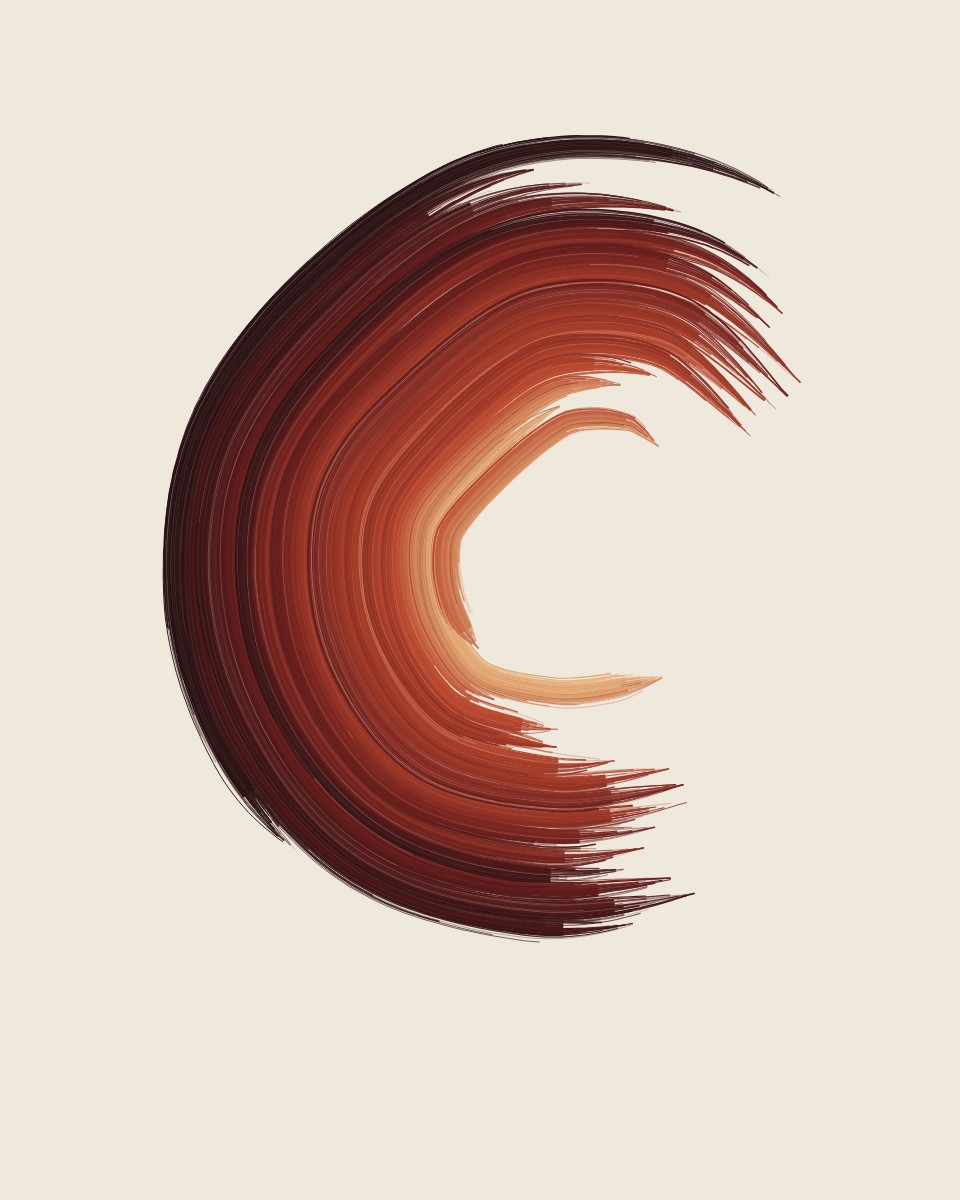
Stroke: one broad stroke of a loaded brush, laid as sixteen streaks side by side. It is a small piece of its own, 45 lines, and not the layer this entry is about. Its code is at the bottom.
Small examples prove very little. Two hundred dots will look good in any language. So before going further I wanted to know whether Nilo could carry real work.
I took a finished piece of mine. It is built from 33 layers, and the whole thing ships at about 360,000 characters. I picked one layer, the painted body, and had it rewritten in Nilo. Not something like it. The same layer, to be checked against the original.
What the layer is
About 80,000 brush strokes, laid along a flow, then dragged two ways by slow noise so the paint looks wet. Here it is on its own, on white, for three different tokens. No wall, no floor, no border. Those are other layers.
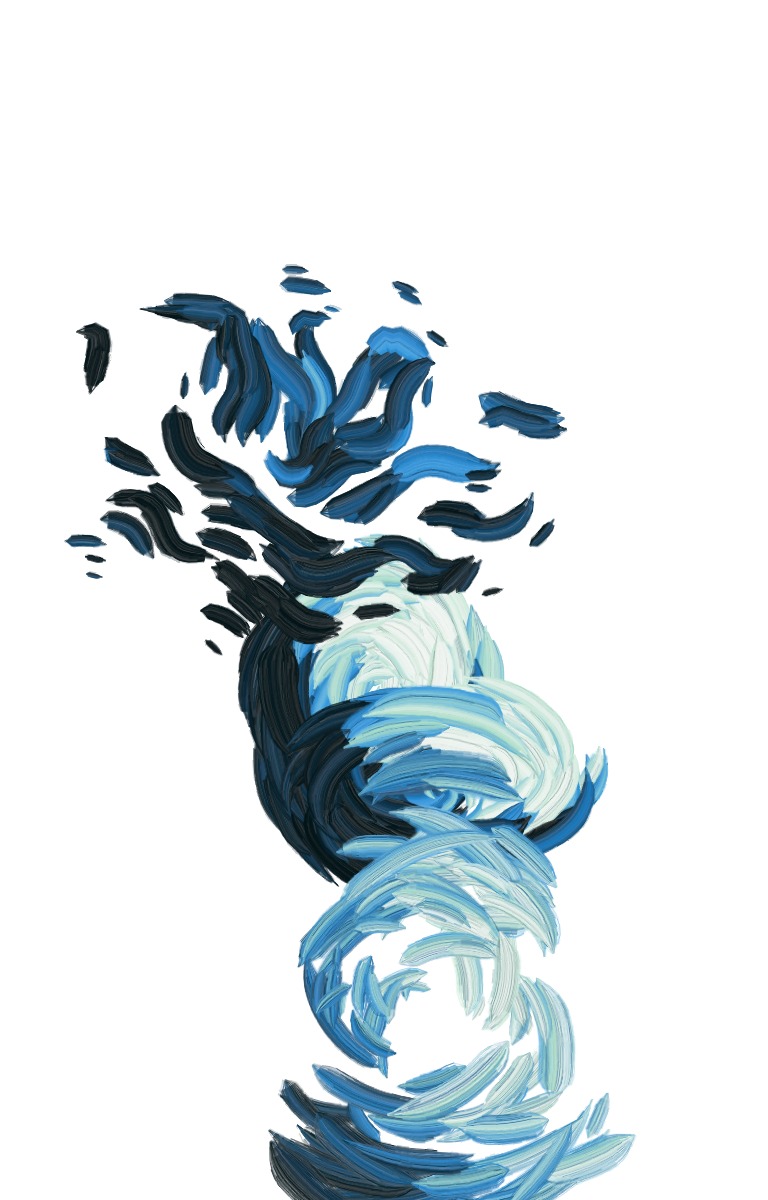
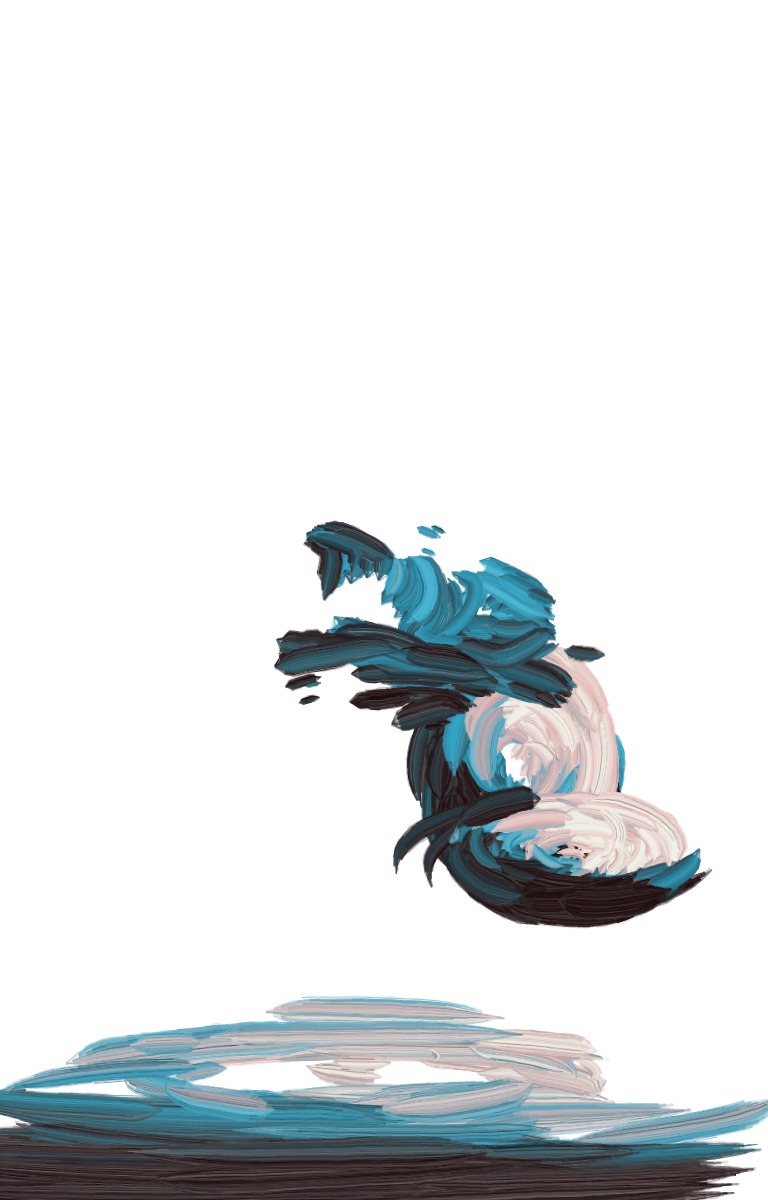
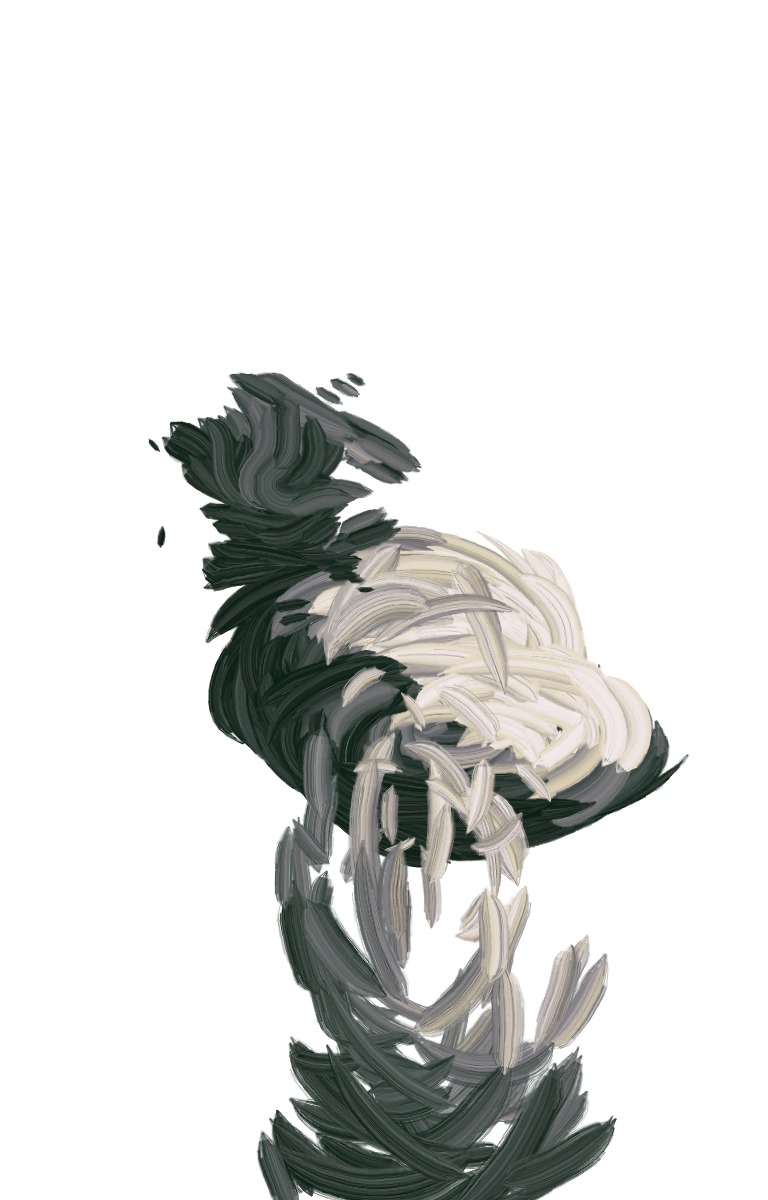
These images came out of Nilo.
How it was checked
Looking the same is not good enough. The check was this: every element the original draws, in the same order, with the same numbers. Between 78,000 and 90,000 elements per token, across three tokens.
The count of values that differed was zero. Then the pixels were compared as well, and they matched.
What it cost
| Original | Nilo | |
|---|---|---|
| Shipped code for this layer | 22,060 bytes | 10,212 bytes |
| Lines of source for the same work | 987 | 500 |
It also builds the layer a little faster, by 10 to 15 percent.
Less than half the size, and about half the lines. That is good. It is not the whole truth, though. About 140 of those 500 lines are there only because this is a copy. To match the original exactly, the layer had to carry the old random generator and the old colour arithmetic, digit for digit. A piece written fresh would not need them.
The wet edge, in six lines
The part I like best is how the wet look is written. An effect is a recipe for turning one image into another:
effect wet(push: num, seedA: int, seedB: int) {
  let a = displace(source, fractal(vec(0.02, 0.008), 2, seedA), push)
  let b = displace(source, fractal(vec(0.008, 0.02), 2, seedB), push)
  let both = a * 0.5 + b * 0.5
  return source * 0.45 + both * 0.55
}
Take what the layer drew. Push it around with one noise field, and again with another. Blend the two, and lay some of the original back on top. I can read that and see the paint.
What it found
The copy caught a real fault in the language. Nilo had been rolling random numbers on both sides of a choice, even the side that was not taken. A small example never showed it. Eighty thousand strokes that had to match did. It is now something the compiler refuses.
That is the best argument for testing on real work. The dots would never have told me.
What it does not prove
One layer is not a piece. The other 32 are not done, and this one was handed its starting values from the original instead of working them out. My guess is that the whole piece would ship at about a third of its present size. It is a guess.
The piece at the top
The image at the top comes from this token, built for the svg target: 0x479563454a1962b2c1186bd59627a3e29c866029ab213a4bb4f3b46975ee09a9
// stroke: one broad stroke of a loaded brush, laid as many streaks side by side
plate(1920, 2400)
use colour v2, brush v2, spline v2
random layout, marks

// a ramp from dark to pale, one of four
let ramps = [#2a1214, #6e1f1d, #b8452c, #e8b07a, #1f1a14, #5b4630, #a8803f, #e6cf98,
  #1b201a, #45533a, #8c9a6a, #dfe0c4, #24161f, #5e2f4a, #a85a6a, #ecc9b8]
let pick = layout.int(0 ..< 4) * 4
let ramp = [ramps[pick], ramps[pick + 1], ramps[pick + 2], ramps[pick + 3]]

// the gesture: long steps that keep turning the same way, a little more or less each time, so it curls
var at = vec(0, 0)
var heading = layout.float(0 ..< TAU)
let bend = layout.float(0.3 ..< 0.7) * (layout.chance(0.5) ? 1 : -1)
let walk = vec[]
var middle = vec(0, 0)
for step in 0 ..< 9 {
  walk.add(at)
  middle = middle + at / 9
  heading += bend * layout.float(0.4 ..< 1.6)
  at = at + polar(heading, 300)
}
// smoothed into one curve, and moved so that its middle sits near the middle of the plate
let path = spline.sample(walk, steps: 12)
let shift = vec(layout.float(860 ..< 1060), layout.float(1050 ..< 1350)) - middle

// bands side by side across the stroke, each its own sweep, dark on one side and pale on the other
let width = layout.float(380 ..< 680)
let bands = 16
background(#efe8dc)
for b in 0 ..< bands {
  let side = (b / (bands - 1) - 0.5) * width
  // the outer bristles lift off sooner, so the edges of the stroke start late and end early
  let edge = abs(b / (bands - 1) - 0.5) * 2
  let first = 1 + floor(edge * layout.float(0 ..< 0.3) * path.len)
  let last = path.len - 1 - floor(edge * layout.float(0 ..< 0.3) * path.len)
  let band = vec[]
  for i in first ..< last {
    let along = path[i + 1] - path[i - 1]
    band.add(path[i] + shift + perp(along / len(along)) * side)
  }
  let tone = b / bands + layout.float(-0.12 ..< 0.12)
  let shades = [colour.at(ramp, along: tone - 0.15), colour.at(ramp, along: tone),
    colour.at(ramp, along: tone + 0.1)]
  brush.sweep(marks, path: band, width: width / bands * 1.8, ramp: shades,
    opacity: 0.85, body: 0.5, taper: 0.2)
}